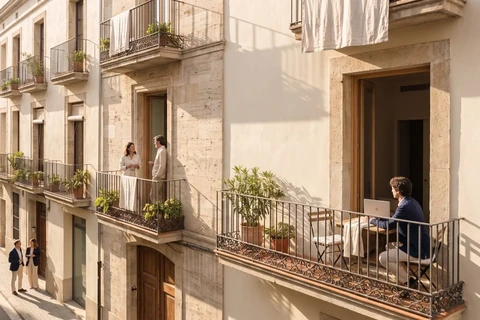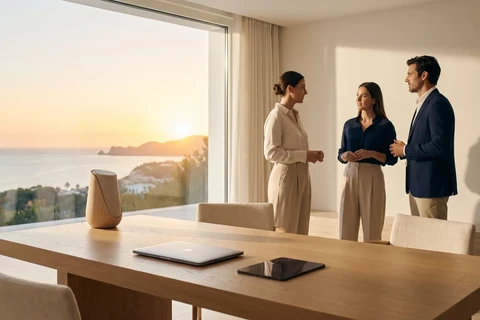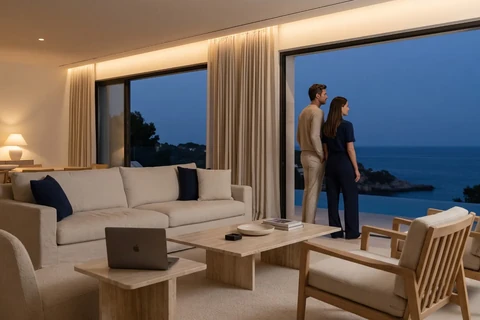



How to create AI images for real estate agencies (and do home staging for free)
A flat for sale that isn't getting viewings? The problem is almost certainly the photos. How to improve them with artificial intelligence, free and step by step.
In this article 7 sections
The power of images in the real estate market
Have you ever stopped to think why some properties fly off Idealista while others linger for months without a single viewing? I'll be straight with you: the image decides. In real estate, a good photo is the difference between a click and a scroll. A potential buyer won't read the description if the image doesn't grab them first. And worst of all, the property is often perfect, but the photos don't do it justice.
Fortunately, today you don't need a professional photographer or to spend thousands of euros on 3D renders to grab attention. Thanks to artificial intelligence, you can now create striking images, virtually furnish empty properties and improve the visual quality of your portfolio, completely free.
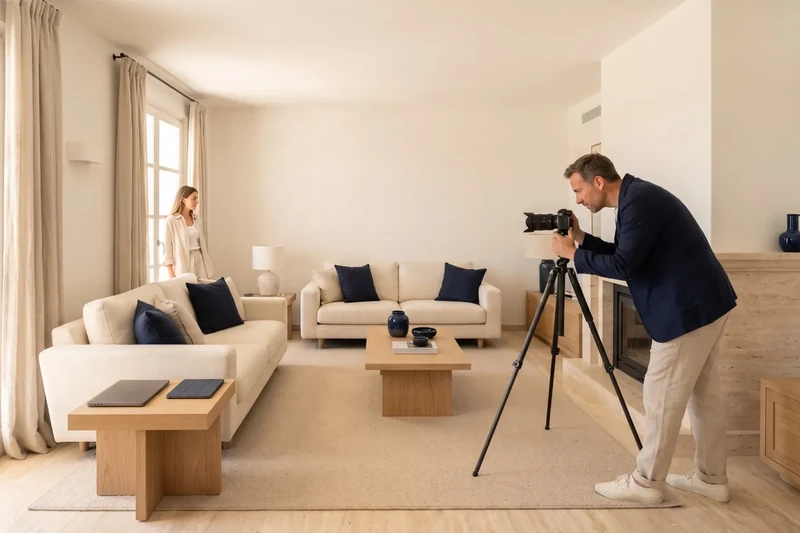
And yes, I'm speaking from experience: I've tried different tools and today I'm going to tell you exactly how you can do it too, step by step, with no technical knowledge and no budget.
Why do bad photos ruin your listings?
The search for a home now starts online: on the portal, on Google or on Instagram. That means your main shop window is your photos. It doesn't matter whether the property has been renovated, is well located or is competitively priced. If your images are:
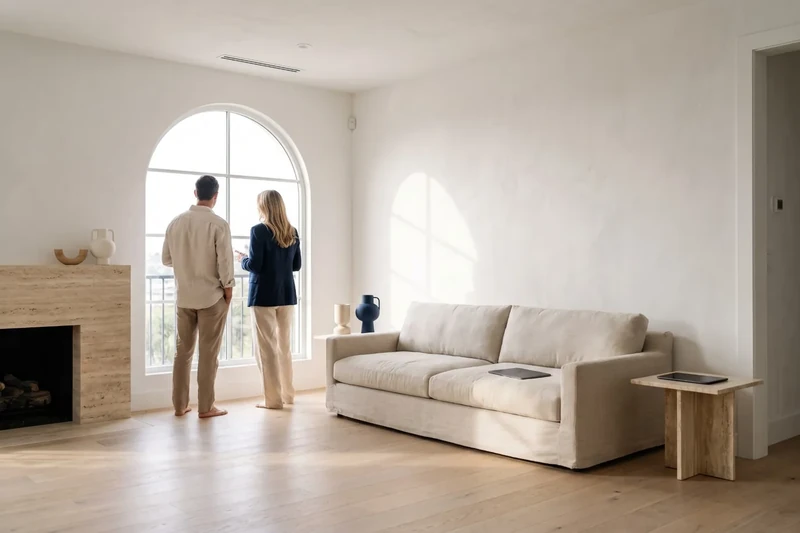
- Dark or poorly lit
- Empty, with no furniture to make them feel like a home
- Cluttered or badly framed
- Low-resolution or out of focus
- Inconsistent in style or quality
…then your listings will go completely unnoticed.
The same property can get many more views just by improving the images. We're not talking about visual make-up, but about showing the true potential of the space. And for that, AI has become my best ally.
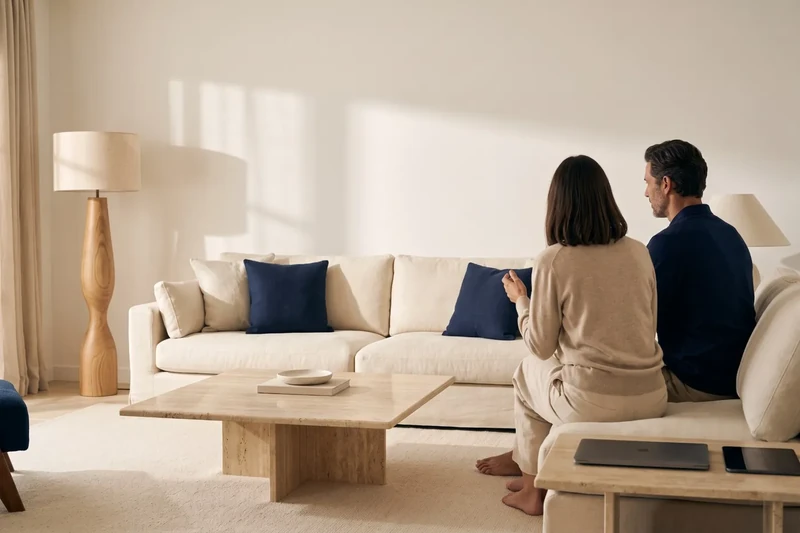
How to improve your property photos with AI without spending a penny
In the past, the only way to improve your images was to hire a photographer or pay for digital renders, especially for developments that weren't finished yet. But that's no longer necessary.
Now you can use free AI tools to:
- Generate realistic images from scratch
- Furnish empty spaces (what's known as virtual home staging)
- Change the decor style of a property to suit the buyer you're targeting
- Get your own images for your listings, after checking each tool's terms of use
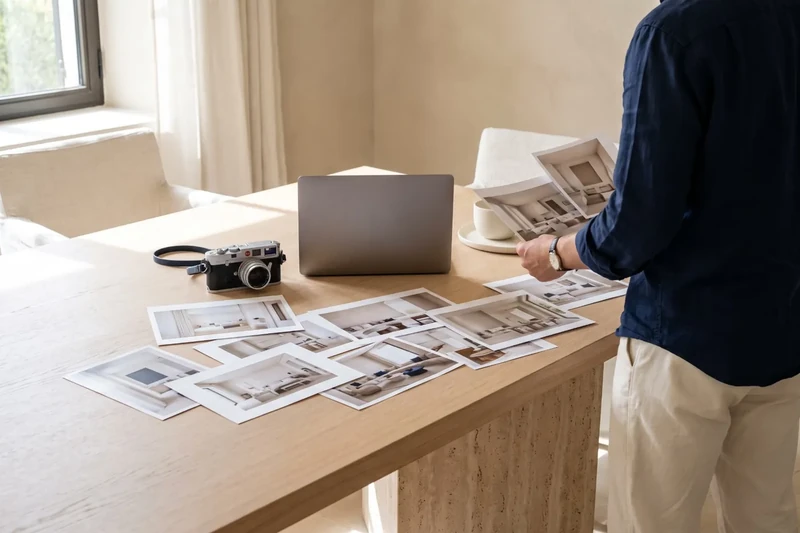
And the best part: you don't need any technical knowledge. You just need to know what you want to convey and follow a simple three-step process.
Step 1: create realistic base images with Ideogram
The first thing you need is a good base. If you have real photos that aren't very appealing, or no photos at all, you can create an image from scratch.
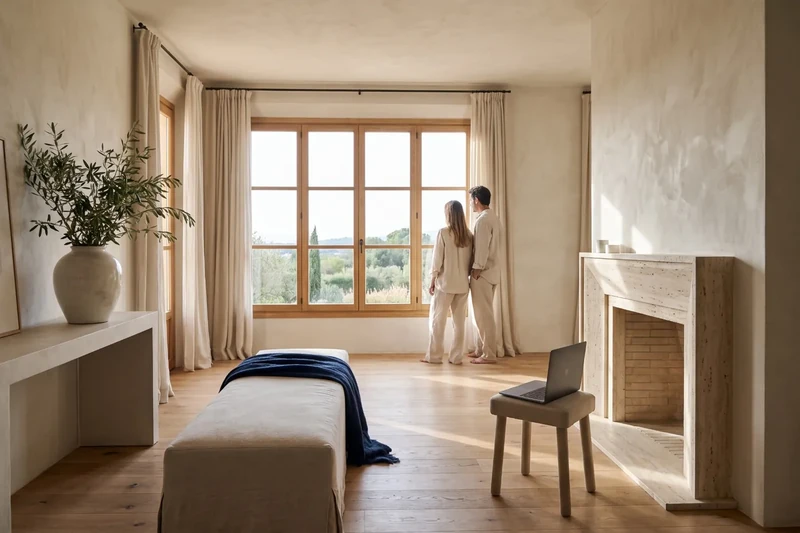
I use Ideogram.ai for several reasons:
- You only need a Google account to sign in.
- It let you start for free when we wrote this article (check its current terms).
- It generates several options for each prompt.
- Its style is highly photorealistic, which is useful for real estate.
For example, I wrote this prompt:
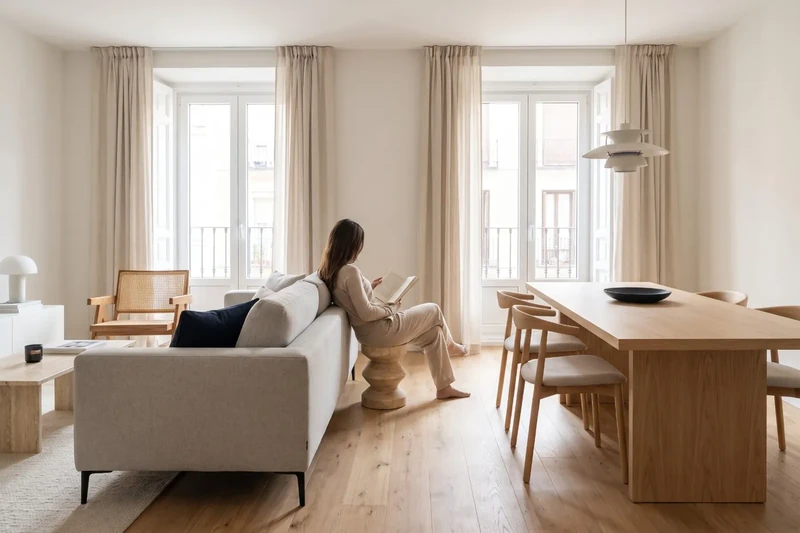
“Interior of a modern flat in Madrid, natural wood floor, large windows with natural light, grey sofa, light wood dining table, Scandinavian style”
And I got four options that already worked as a base. The key here is to be very specific. The more details you give (materials, style, finishes, views), the better the result.
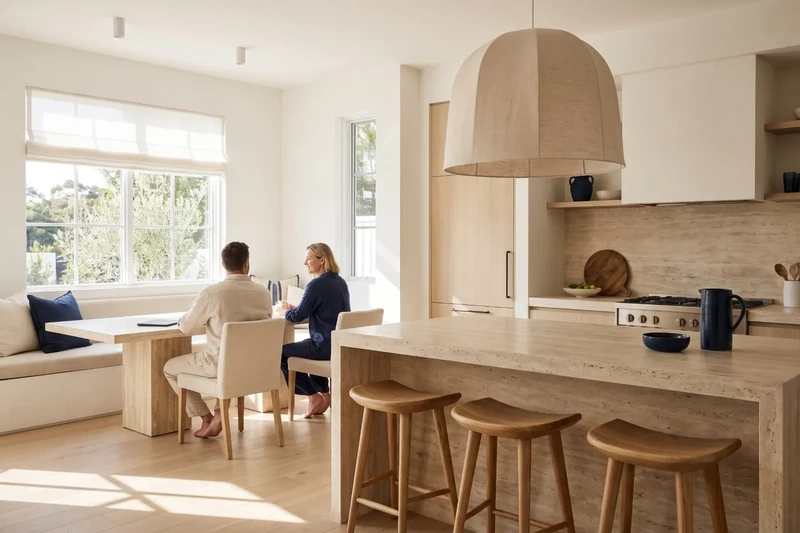
Practical tip: if you have a real photo, you can also upload it as a base and improve it with detailed prompts.
Step 2: describe your spaces precisely with ChatGPT
Once you have the base image, you need to “dress” it. This is where virtual decoration comes in. Instead of racking your brains describing how you want to furnish the space, you can ask an AI like ChatGPT for help.
Here are some examples of what I asked it:
“Imagine a luxury interior with skyline views, modern and cosy in style. What furniture would you put in and how would you lay out the space?”
The result was a complete text with suggestions for the sofa, rug, lighting and even colours. Exactly what you need for the home staging tool.
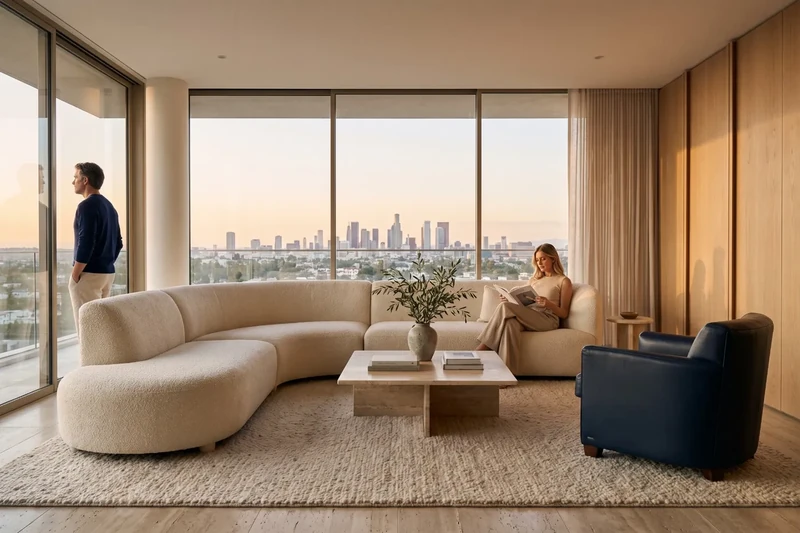
This step saves you time and raises the standard of your images. You're not improvising: you're creating a coherent concept with the help of AI.
Step 3: apply virtual home staging with Gemini or Stable Diffusion
With your base image ready and your detailed instructions, it's time for the key step: virtual home staging.
These are the tools I recommend:
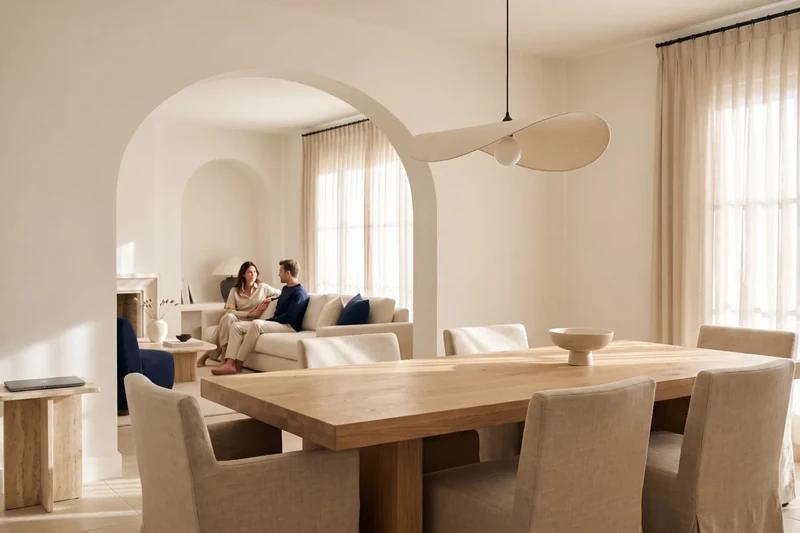
- Gemini (Google): very intuitive. You upload your image, apply a style (modern, minimalist, rustic…) and the result is quick and realistic.
- Stable Diffusion: more technical, but more customisable. With user-friendly platforms you can apply exact instructions and fine-tune the result with more control.
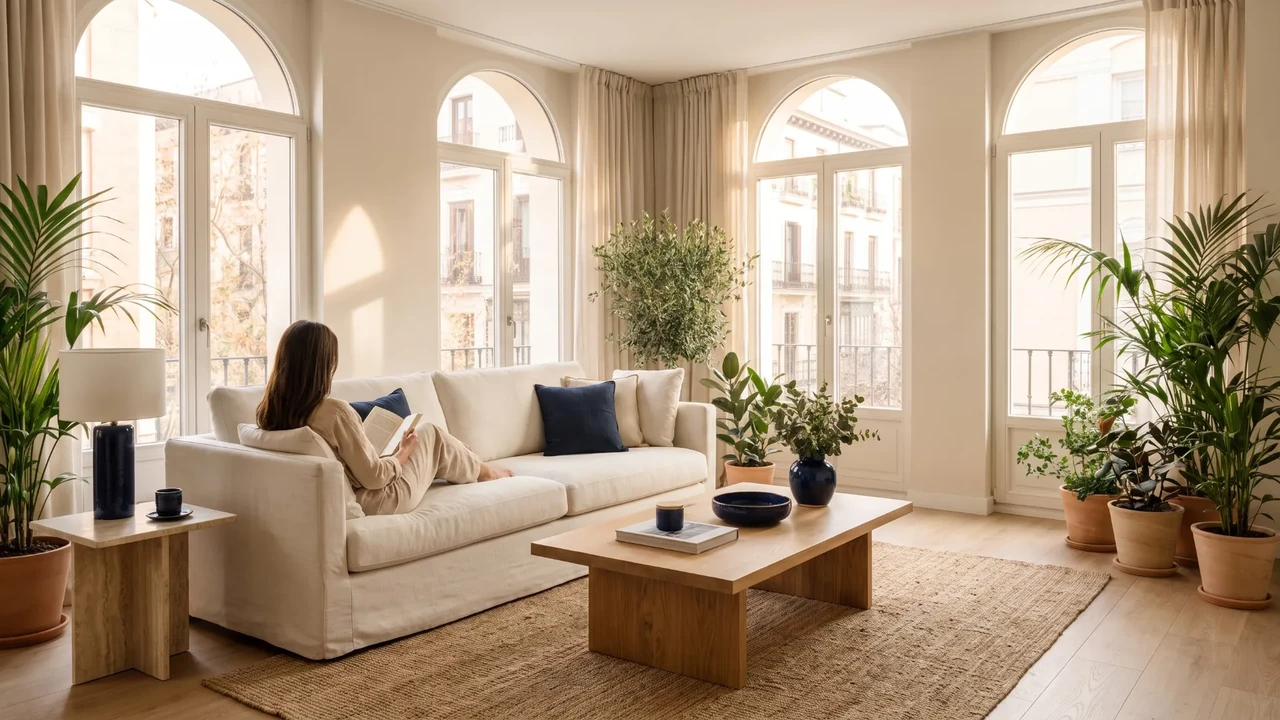
I've tried both and the results are very convincing. An empty living room becomes a welcoming space with a sofa, a table, art on the walls… all without moving a single chair.
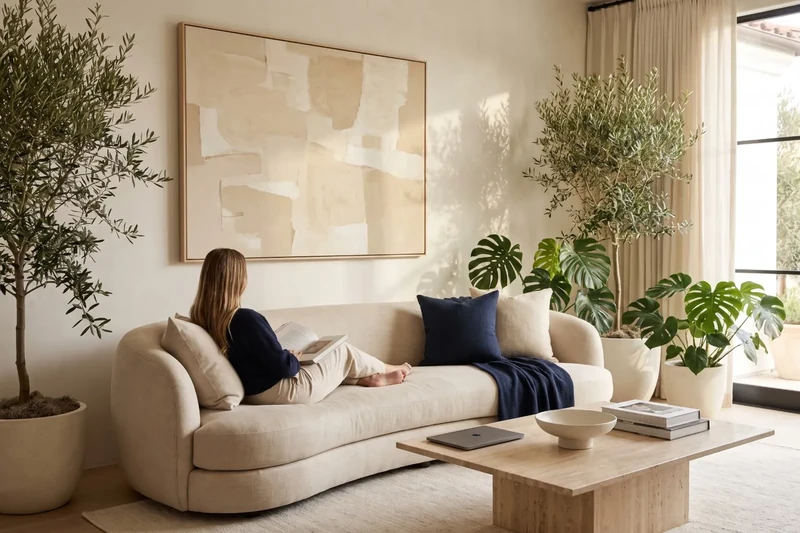
And most importantly: at no cost, although it's worth checking each tool's terms of use before publishing the images.
Styles you can achieve: from minimalism to digital luxury
One of the advantages of AI is that you can tailor images to different audiences. Selling a loft to a young professional is not the same as selling a family home in the suburbs.
With AI you can change:
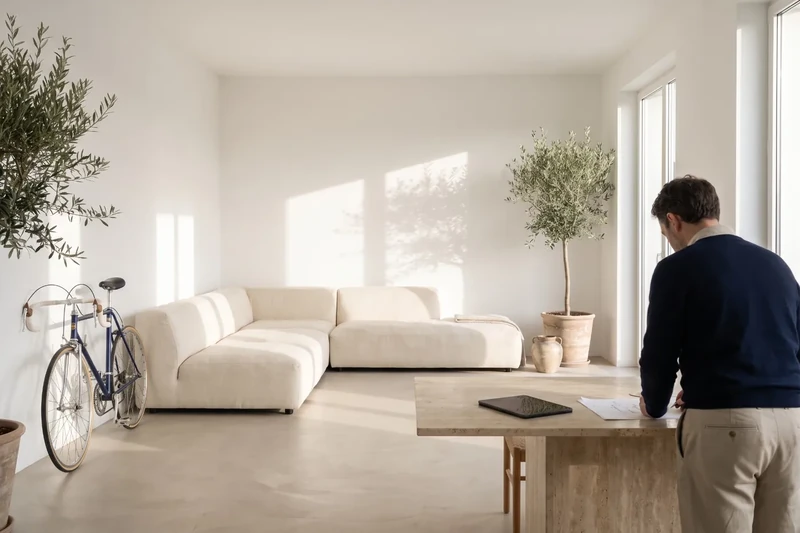
- Decor style (modern, Scandinavian, classic, industrial, etc.)
- Level of luxury (basic, mid-range, high-end)
- Visual aesthetic (white and bright, warm and cosy, understated and elegant)
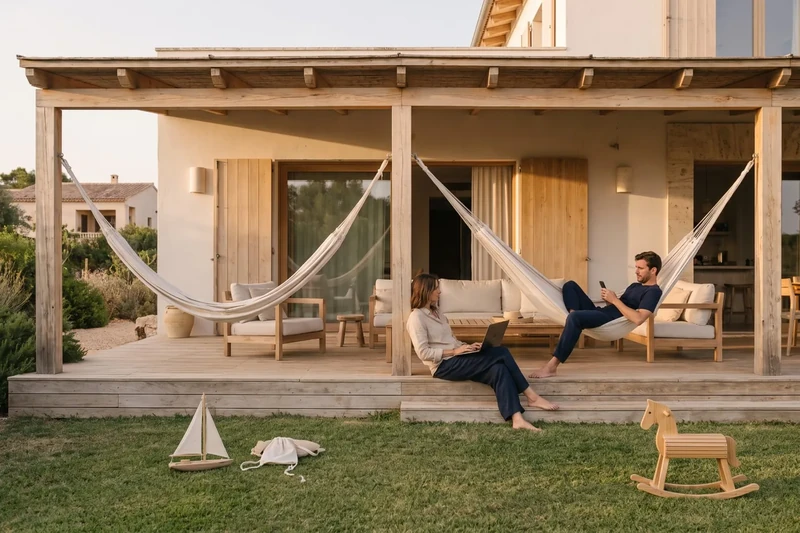
This lets you test different visual approaches for the same property and see which one gets more clicks. For example, in urban areas with young buyers, a simple Scandinavian style tends to work better.
Who can benefit from this technique?
This method isn't just for big developers. In fact, it's ideal for:
- Small real estate agencies with no budget for photographers
- Freelance agents who want to stand out from the competition
- Developers who don't have finished show flats yet
- Private owners selling without intermediaries
- Real estate marketing professionals who need visual material for campaigns or social media
Basically, anyone who wants to sell or let a property with a good image, without spending money.
Tips to make your images work
Here are some tricks I've learnt after a lot of testing:
- Be precise in your prompts: specify materials, colours, layout and style.
- Avoid overcrowding the space: less is more.
- Keep a consistent look across all your images.
- Don't use exaggerated styles if they don't reflect the reality of the property.
- Run A/B tests: upload two different styles and measure which one generates more interest.
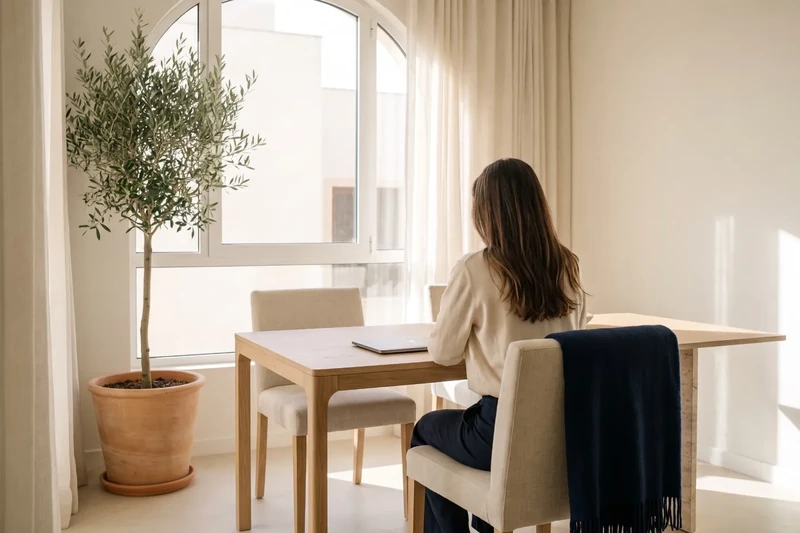
- Use natural light or imitate it in your prompts: it sells more.
Remember: the goal is to help buyers picture themselves living there.

Written by
Technical SEO at Landing Agency
On Landing's SEO team since 2023: keywords, site architecture and technical improvements on client websites. Computer engineering background.
See their profile and all their articles